Most viewed - Bean's Gallery Most viewed - Bean's Gallery |

700 views
|
|
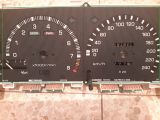
Step 05: fascia panels696 viewsremove the two fascia panels
|
|

Conversion test successful695 views10.44kOhm instead of 15kOhm
|
|
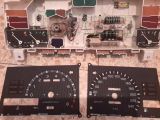
Step 06: light distributors694 viewsremove the two light distributors, they are not screwed in anymore just held in position with two locating pegs
|
|
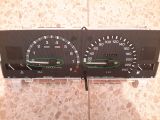
Step 03: tacho and speedo needle685 viewsremove the 2 needles, a thin fork makes it easier (just put something between the fork and fascia to prevent scratches)
|
|
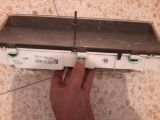
Step 01: retaining tabs top (3)680 viewspush down on the 3 retaining tabs on the top (best start on the side) to loosen the transparent cover
|
|
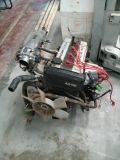
671 views
|
|
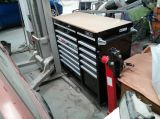
14 drawer cabinet666 views
|
|
658 views
|
|
647 views
|
|
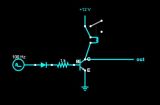
tacho amp circuit638 viewscircuit to change a 5V square wave signal to a high voltage spike signal to run tachometers which ran of the coil -
|
|

rpm simulation on OEM cluster629 views
|
|
10krpm custom fascia in motion628 views
|
|
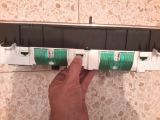
Step 02: retaining tabs bottom (3)621 viewspush down on the 3 retaining tabs on the bottom (best start on the side) to remove the transparent cover
|
|
618 views
|
|
|
|